Printing a report
Most of the options in the ViewerFX for Crystal Reports Print dialog box are the same as for other applications.
To print a Crystal Report:
- Select the report you wish to print.
- On the ribbon, choose Report Viewer › Send › Print. The Print dialog box will appear.
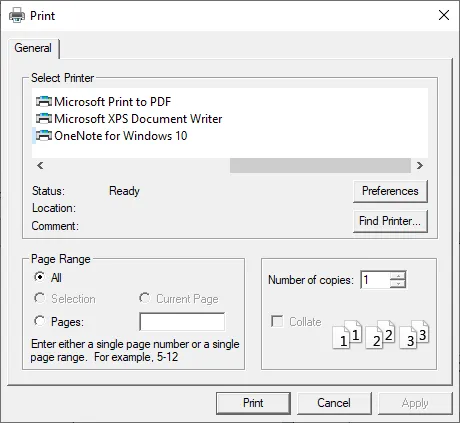
- Choose a printer from the list at the top of the Print dialog box.
- Click Properties to set printer driver options.
- Select any of the following options, and then click OK.
- Pages From/To: Prints a range of pages.