Using the selection formula
Selection formulas allow you to filter the records you want included in a report. For example, using the record selection tools, you can limit the records in your report to include only records for a specific group of customers, a specific range of account numbers, or a particular date range.
Note: The record selection formula requires a Standard or Site license.
To set up record selection using a formula:
- On the ribbon, choose Preview › View › Formula.
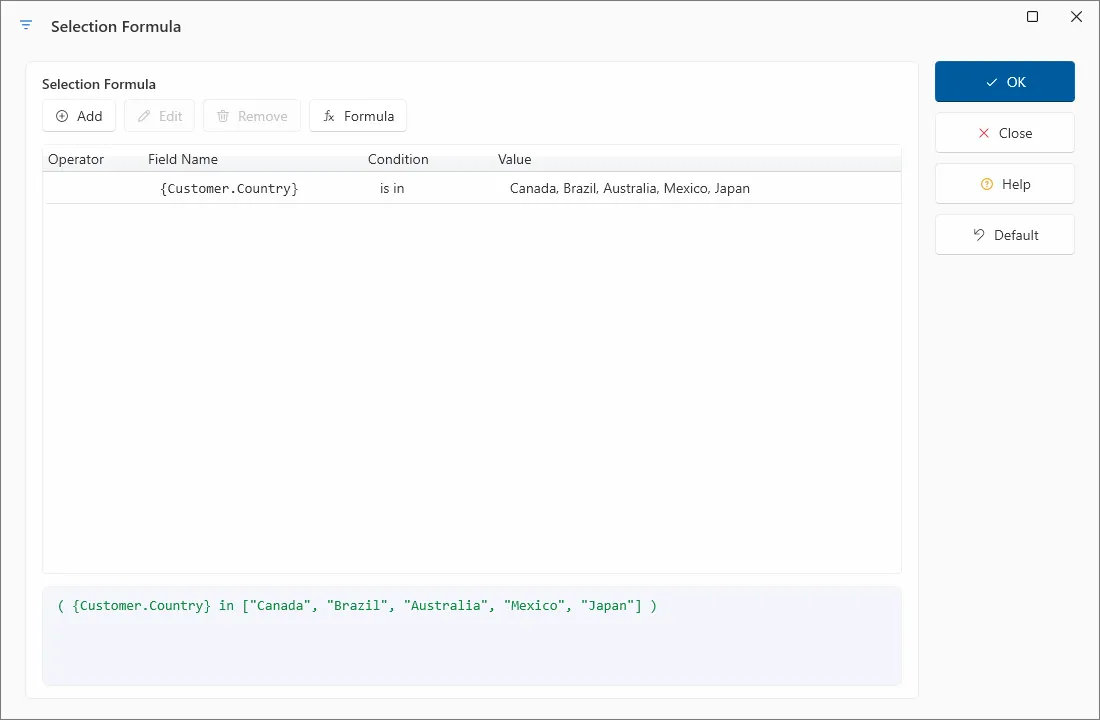
- In the Selection Formula dialog, enter the formula by typing in the components.
Note: For advanced record selection strategies and performance tips, see Using enhanced record selection formulas in the Designing Optimized Web Reports chapter of the Crystal Reports User’s Guide.