Using Help
ViewerFX for Crystal Reports includes built-in documentation that opens in your web browser. The Help documentation provides extensive explanations about the tools, commands, concepts, processes, and keyboard shortcuts.
To open Help:
Do one of the following:
- On the ribbon, choose Report Viewer › Support › Help.
- Click the Help button in any open dialog box. The related topic opens directly in your browser.
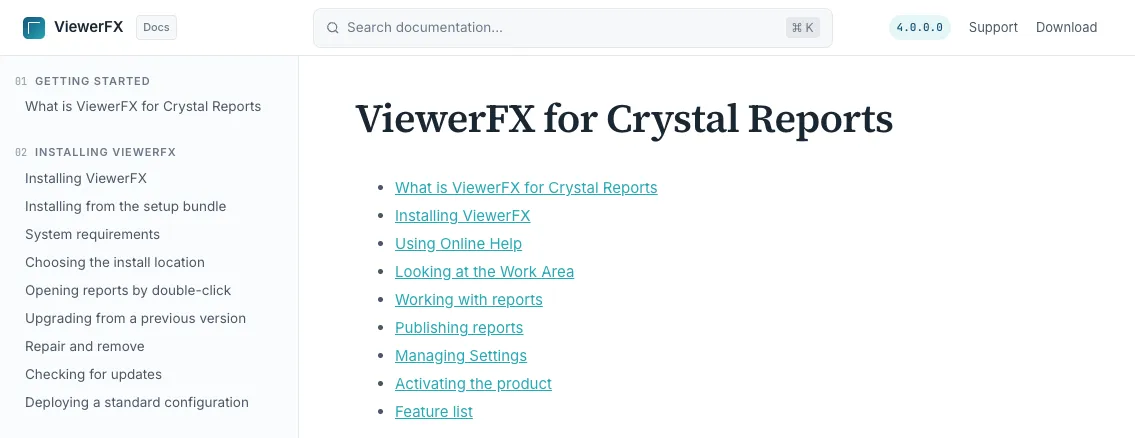
Finding topics: topics are organized by subject in the sidebar on the left, like the table of contents of a book. Use the search box to find a specific word or phrase anywhere in the documentation, and the “On this page” outline to move within a topic.