Installing from the setup bundle
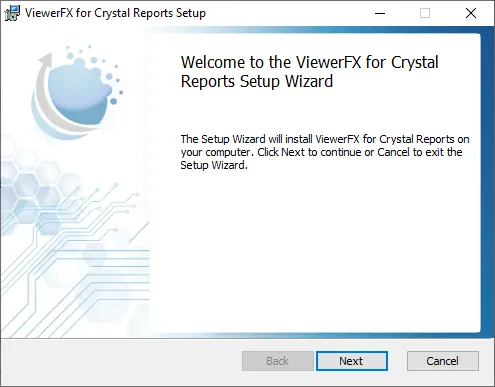
ViewerFX for Crystal Reports is installed from a setup bundle, ViewerFXInstall.exe, which installs any required prerequisites and then runs the setup wizard.
To install ViewerFX for Crystal Reports:
- Download the setup bundle using the Download button at the top of this site.
- Run
ViewerFXInstall.exe. The bundle first shows a prerequisite acceptance screen and installs any required prerequisites automatically (see System requirements). - The setup wizard then runs, with a Welcome screen, a license agreement, an install-location screen (see Choosing the install location), and a ready-to-install screen.