Finding words in a report
You can search for specific words in the text of an open Crystal Report, from within ViewerFX for Crystal Reports. In general, you can search for words in the text, database fields, formulas, sub-reports, and custom fields.
You use the Find dialog box to find a word, series of words, or part of a word in the active Crystal Report.
To search for words in a report:
- Select or open the report you want to search.
- On the ribbon, choose Preview › Navigation › Find Text.
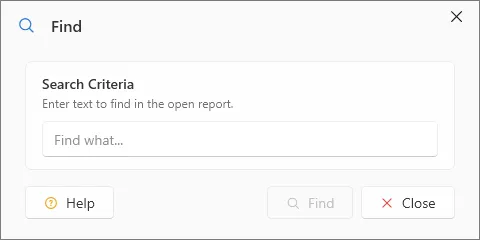
- Type the word, words, or part of a word that you want to search for.
- Click Find. The first match will be highlighted in the report. To find subsequent matches click the Find button again.