Working with folders
Folders are used to organize your favorite reports into groups that are meaningful to you. For example, you might create one folder for financial reports and another folder for daily stock reports.
Note: Favorites require a Standard or Site license — see Saving favorites.
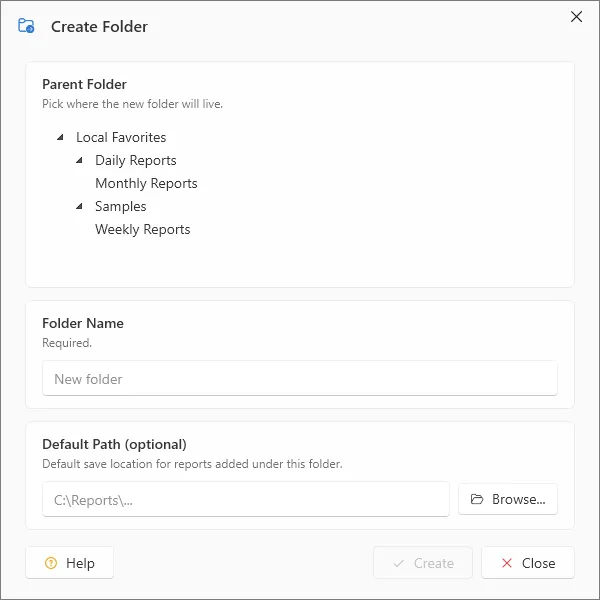
- To create a new folder, click the Organize button in Report Viewer › Favorites on the ribbon. In the Organize Favorites dialog box, click New Folder, type a name for the folder, and then press OK. Repeat this step until you have created as many folders as you’d like.
- Move reports from the favorites list into the appropriate new folders. You can create nested folders by dragging one folder into another.
When you are finished creating and organizing folders, click Close.