Using the navigation tabs
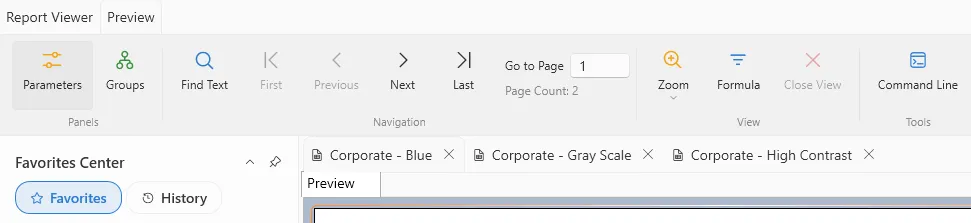
ViewerFX for Crystal Reports opens each report on its own tab, so you can open multiple reports in a single window. You can open reports on new tabs, and switch between them by clicking on the tab.
ViewerFX for Crystal Reports opens each report on its own tab, so you can open multiple reports in a single window. You can open reports on new tabs, and switch between them by clicking on the tab.